
Before you begin
- The customer buys from the retailer. The supplier keeps the stock and ships its items directly to the customer.
- Your discount changes what the shopper pays. The supplier still gets the agreed product cost.
- Check checkout, tracking, and returns with one supplier before adding a whole catalog.
What is Shopify Collective?
Shopify Collective lets one Shopify store sell products that another Shopify business stocks and ships. Say you sell ceramic mugs and want to offer coffee to go with them. You import a bag of coffee from a roaster’s catalog. A customer buys it from your store, and the roaster ships it straight to them. You pay the roaster for the bag after a sale, without buying cases of coffee upfront.
For your shop, Collective is a retailer app. For the roaster, Collective: Supplier is a sales channel where it chooses which products to share and sets the retailer’s cost through a price list. A Shopify business can use both. The customer buys from your shop, so you still handle their questions about the order.
Shopify Collective vs. affiliate marketing
With Shopify Collective, your mug shop lists the coffee and takes the order at its own checkout. The roaster ships the coffee and receives the agreed product cost. Your shop handles customer questions and keeps the difference between the selling price and the supplier cost, before expenses.
With an affiliate program like Shopify Collabs, your mug shop shares a tracked link to the roaster’s coffee or gives shoppers a code. The shopper buys from the roaster, who takes payment and handles shipping and returns. Your mug shop earns a commission on qualifying sales it refers.
Find one product and check what goes live
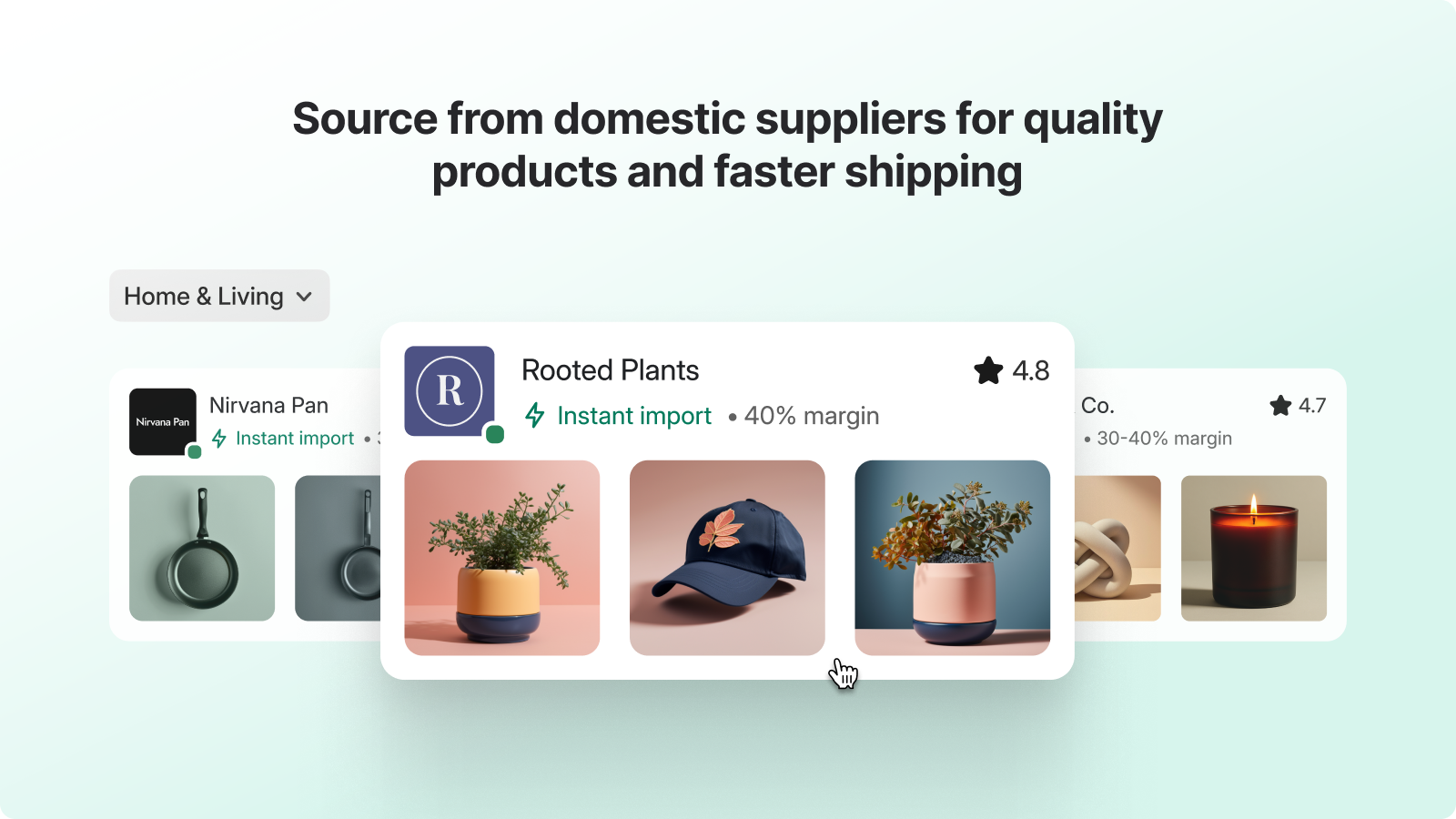
In Shopify admin, go to Apps → Collective → Discovery where it’s available. A product marked Instant import comes from a public price list and is available to import without prior approval. If the supplier displays Margin on request, ask to connect so they can share pricing and products. You can also send a direct invite to a supplier you already know.
Check your product policy before importing. Shopify’s documented defaults make a manually imported product active and publish it to all channels. Choose Draft in the product policy if you want time to review the listing. After import, you can edit the title, description, images, and selling price. The supplier controls inventory and the cost you pay. Retail price syncing is off by default and can be turned on in the product policy.
Can ChatGPT or Claude help you find products?
Shopify’s October 28 blog guide covered sourcing through supported AI tools. With Shopify connected in a supported tool such as ChatGPT or Claude, you can describe the products you’re looking for and review matching Collective catalog items. If you choose to import one, Shopify prompts you to install the retailer app if needed. The same Collective product policies apply to those imports.
What happens to your margin when you run a sale?
| Shopper pays for coffee | Retailer keeps before expenses |
|---|---|
| $20 at full price | $6 after the $14 supplier cost |
| $16 with a $4 discount | $2 after the same $14 supplier cost |
Suppose the roaster lists a bag at $20 and sets a 30% retailer margin. Your cost is $14. Sell it at $20 and you have $6 left before shipping, payment fees, and other expenses. Offer $4 off the bag and you have $2 left. The roaster still gets $14 for the coffee.
If both stores use Collective automatic payments, Shopify debits the supplier amount from your Shopify Payments balance and transfers the funds to the supplier when they mark the order fulfilled. If the balance can’t cover the debit, the supplier can see Payment pending and may wait to ship. If automatic payments are off for that supplier, agree how and when to pay them.
One checkout can mean two packages
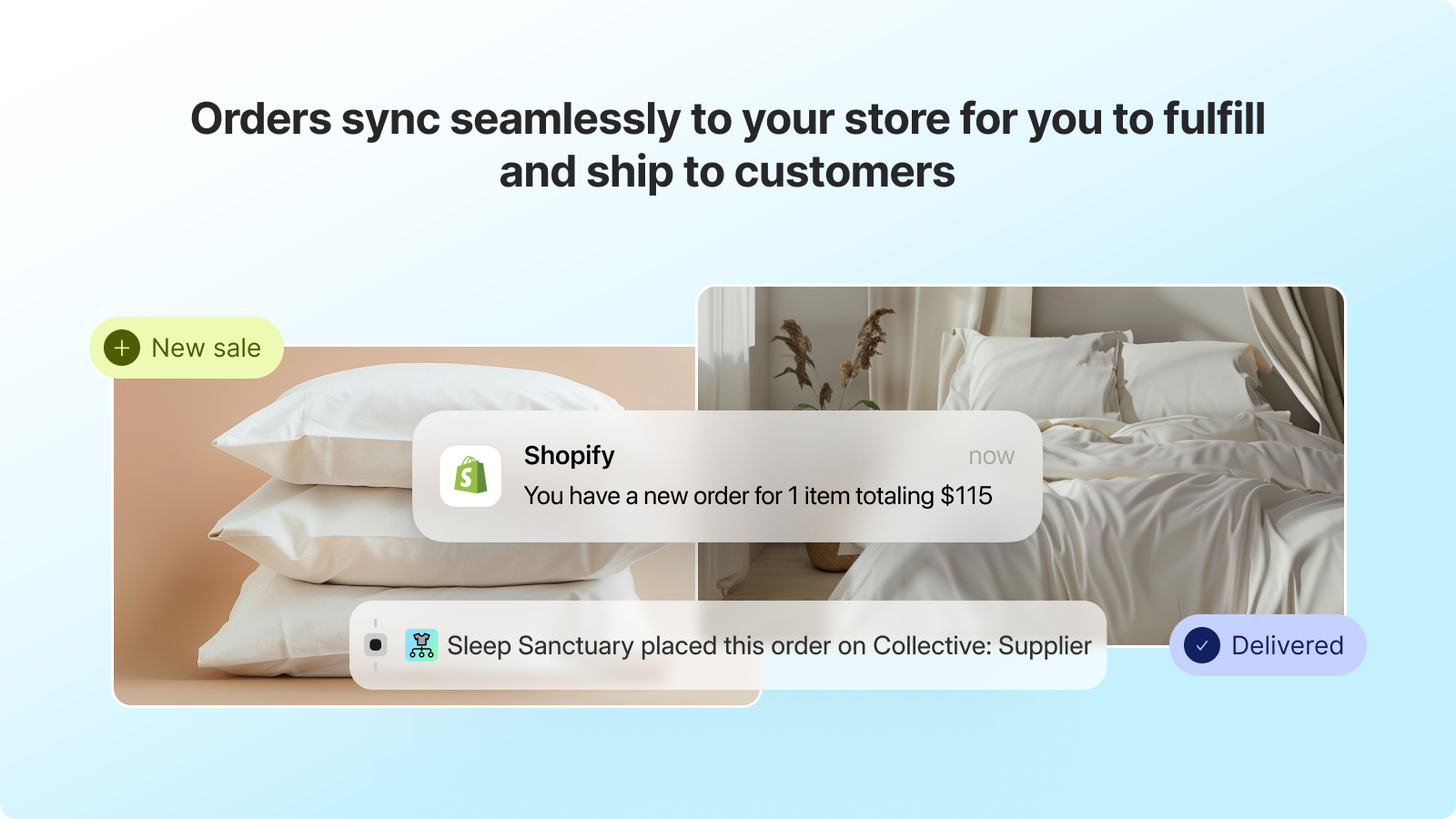
If the customer buys your mug and the roaster’s coffee together, they check out once. You ship the mug. Shopify routes the coffee to the roaster, whose tracking number syncs to your order so your store can send its usual shipping notice. If you capture payments manually, check the order in admin and request fulfillment yourself.
Run that mixed cart through checkout before promoting the pair. The roaster may use different shipping zones and rates from yours. Even if you offer free shipping to the shopper, you can still owe the roaster their shipping charge. Decide where the coffee goes if it comes back, who supplies the label, and when your store refunds the customer. Collective’s returns settings let you configure those steps with the supplier.
Can your store use Collective?
Collective is free on eligible Shopify plans and has no minimum sales requirement. You need an active plan, a supported country and store currency, active Shopify Payments payouts in that currency, and Shopify Network Intelligence turned on. Retailers and suppliers need to be in the same supported country and use the same supported currency to connect. Some supported countries use direct invites only because Discovery isn’t available there.
Shopify may ask for identity or tax registration checks, depending on your store and role. Shopify’s overview also lists an active Shop presence and the Shop Merchant Guidelines for suppliers. Collective is built for physical products that the supplier ships. Digital products, gift cards, and in-store pickup for Collective products are excluded.
Start with one supplier and one order
Pick an item a customer would plausibly add to something you already sell. Review its real cost after your usual discount and shipping offer. Then test that cart with an eligible partner so you can see what the customer pays, what appears in each store, and which tracking email arrives.
Shopify documents an end-to-end test with a real Shopify Payments transaction. Plan it with the supplier before they ship anything. The transaction can incur processing fees and affect your reports. Walk through a return with the supplier too, so you know where the customer should send it and who issues the refund.
Sources and scope
The mug shop, roaster, and prices are illustrative. The images are Shopify’s App Store examples. We checked Shopify’s public documentation on November 14, 2026.


